
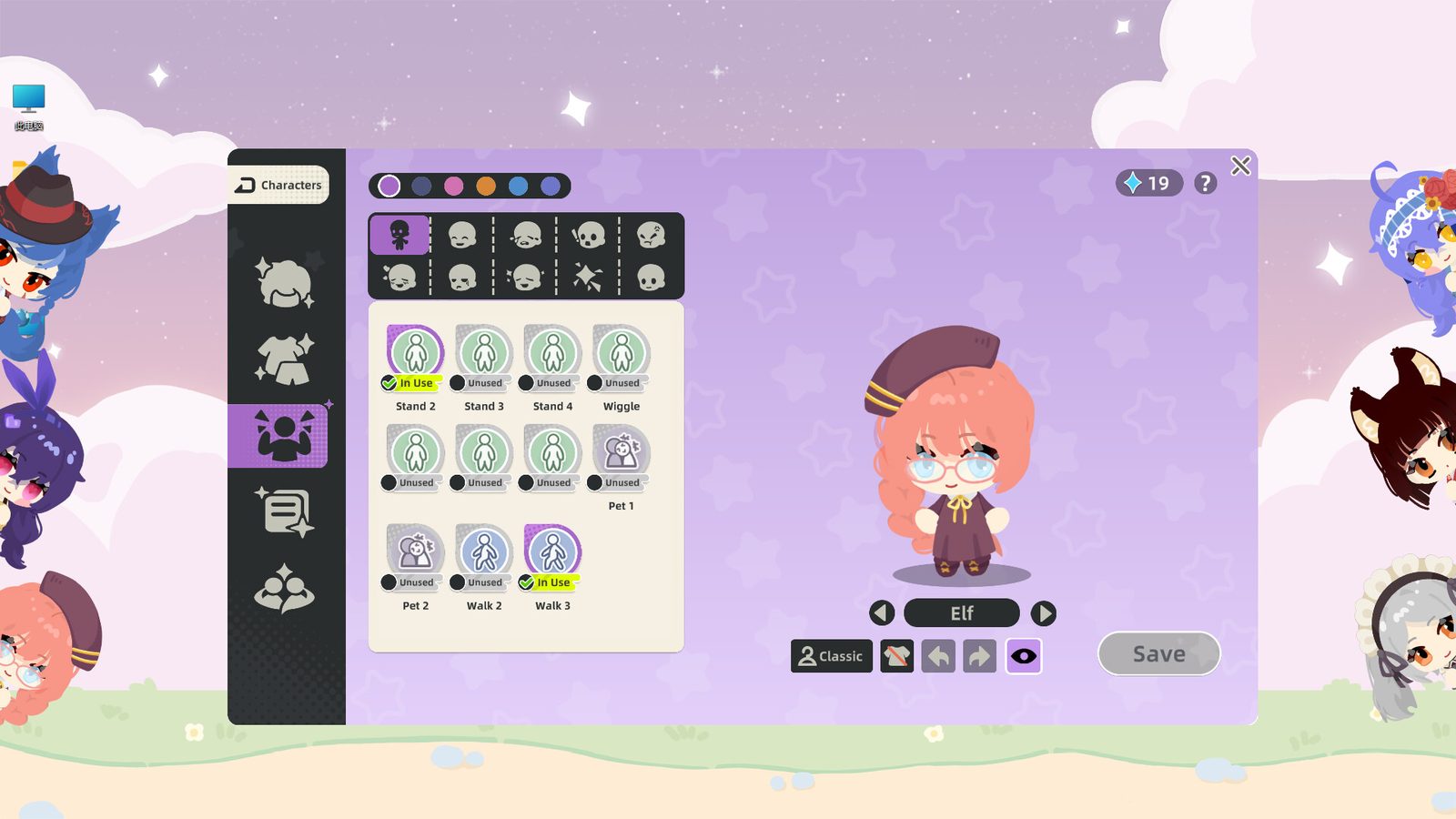
Character House Update History: Every Confirmed Change
Everything confirmed in the Character House first update: character reset, taskbar pinning, frame-rate options, the uninstall fix and the hidden features.
Character House has published one update since the demo launched. It arrived on 21 September 2026, five days after release, and it is unusually informative because the developer used the same post to explain the team’s situation and to list features nobody had found yet.
What the 21 September 2026 update changed
| Change | What it fixes |
|---|---|
| Character reset from the taskbar | Characters that fell off the screen could not be recovered before |
| Quick always-on-top toggle in the taskbar | Switching the setting no longer means opening the settings panel |
| Frame-rate choice of 30, 60 or unlimited | Lets players reduce the load the desktop pet puts on the machine |
| Uninstall prompt fix on Windows | The app used to prompt for installation again after being uninstalled |
The first two are the ones players had been asking for most loudly. A character that wandered off the visible desktop used to be lost, and the developer apologised for it directly in the announcement.
The uninstall bug and what to do about it
The fourth item deserves its own note, because it produced a thread of complaints on its own. Players who had enabled the app to start with Windows and then uninstalled it found Windows prompting them to install it again.
The developer’s post gives two routes out:
- Reinstall the game and uninstall it again, which clears the leftover entry, or
- Open Task Manager, find the startup entry and disable it there.
Anyone who still has the game installed does not need to do anything; the update fixes it.
The hidden features the developer revealed
The same announcement listed seven things the team had built but few players had discovered. They are worth knowing because several of them replace fiddly manual work:
- Click the palette icon at the top right of the colour card to save frequently used colours.
- Type a colour value directly into the field under the colour card for exact matching.
- A character that has learned the shy action will act shy when you pet it.
- A character that has learned anger becomes visibly irritated if you type very fast in typing mode.
- Drag two characters together and they will look at each other.
- Typing mode can move several characters at once, which is the quick way to tidy a desktop or push a group to the screen edges.
- Right-click a character and drag to make it follow your cursor.
What the developer said about the team
The announcement is also the only public statement about how the game is being made. In it the developer says:
- This is the team’s first game.
- The team is smaller than five people.
- They did not find a publisher in time.
- They maintain every social media account themselves.
- Feedback since launch exceeded what they could answer individually.
There is no roadmap with dates attached, so treat the what as informative and the when as unknown.
The typing counter promise
The 21 September update did not remove or change the keystroke counter. It was the discussion threads after launch that pushed the developer to comment.
The developer’s public position, given in those threads, is that counting happens only while the game is running, that the data is stored locally, that no network transmission happens beyond the official Steam and Unity SDKs, and that an option to switch the typing statistics off is planned. No date has been given for that option.
Where to read the official notes
The store page has a recent announcements block that links to every post. The developer’s posts there are the primary source; this page summarises them rather than replacing them.
If you have already uninstalled and are still seeing the relaunch prompt, follow the two steps above before assuming the fix failed.
Related reading
- The counter argument in full: keystroke counter and privacy
- When the full game arrives: release status
- Something is still broken: fixes